Set Your Own Commission
A set commission amount is determined by the supplier you are booking based on the commissionable options that are included with an itinerary. The ability to add commission varies by supplier and may be added at time of booking or when modifying a booked reservation.
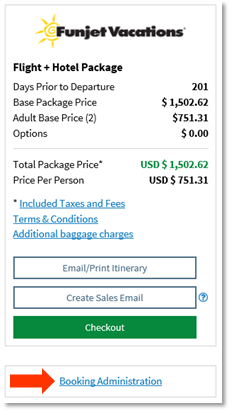
- Click the Booking Administration button within the pricing panel of an itinerary.
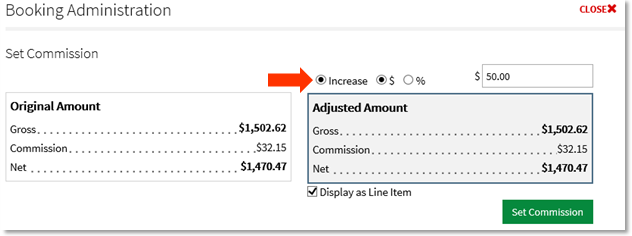
- Choose to increase the original commission by a dollar amount or percentage. Enter the amount in the field. Then, click the Set Commission button.
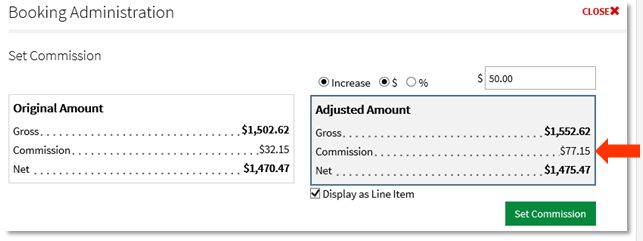
- The revised commission amount will display in the Adjusted Amount column.
Note
Commission may only be added, not subtracted. A 5-10% processing fee may be taken out of the increased commission amount, depending on the supplier.